
Steam users ran into problems on December 24, when parts of Valve’s platform went down and made it harder to browse the store, load community pages, and play some online games. The disruption began at around 1PM ET and triggered a wave of reports from players who could not connect, could not load pages, or saw constant errors.
Valve did not post a public statement at the time, but third party status trackers showed clear issues across multiple Steam services. By later in the day, the core Steam clients started working again for most people, but some features remained slow or unreliable for hours. As of early December 25, services appeared to be restored and online games were behaving normally again.
What services were affected?
Based on public status pages and user reports, the outage impacted key pieces of Steam’s ecosystem, not just one page or one game. SteamDB’s unofficial Steam Status page indicated that several major systems were offline, including:
- Steam Store (buying, browsing, loading store pages)
- Steam Community (profiles, discussions, community content)
- Steam Web APIs (services many games and sites rely on)
When the Steam Web APIs have issues, the effects can spread fast. Even if your internet is fine, features that depend on Steam’s back end can fail. That includes login checks, matchmaking calls, inventory syncing, and other background requests players never see until they break.

Which Valve games saw issues?
The outage was not only about store pages. Reports also suggested that APIs used by Valve’s online games were affected. Titles mentioned as impacted included:
- Team Fortress 2
- Dota 2
- Counter-Strike 2
In situations like this, you might be able to launch a game but still fail to connect to servers, party up with friends, or join a match. Some players also see “retry” loops, missing inventories, or long loading times that make the game feel broken even if it technically opens.
Timeline: from outage to recovery
Here’s the basic timeline as reported by Engadget and reflected in public trackers:
- Around 1PM ET (Dec 24): Steam begins experiencing a major disruption.
- About 1:15PM ET: DownDetector receives thousands of reports, indicating a widespread issue.
- Around 4PM ET: Steam begins to rebound, with many users able to access clients again.
- Around 6PM ET: Most core functions work, but errors and sluggish behavior remain in places.
- About 4AM ET (Dec 25): Trackers suggest services are restored and games are functioning normally.
This pattern is common during large platform incidents: the “front door” comes back first (apps start launching, basic pages load), but background systems can stay slow for a while (APIs, matchmaking, community features).
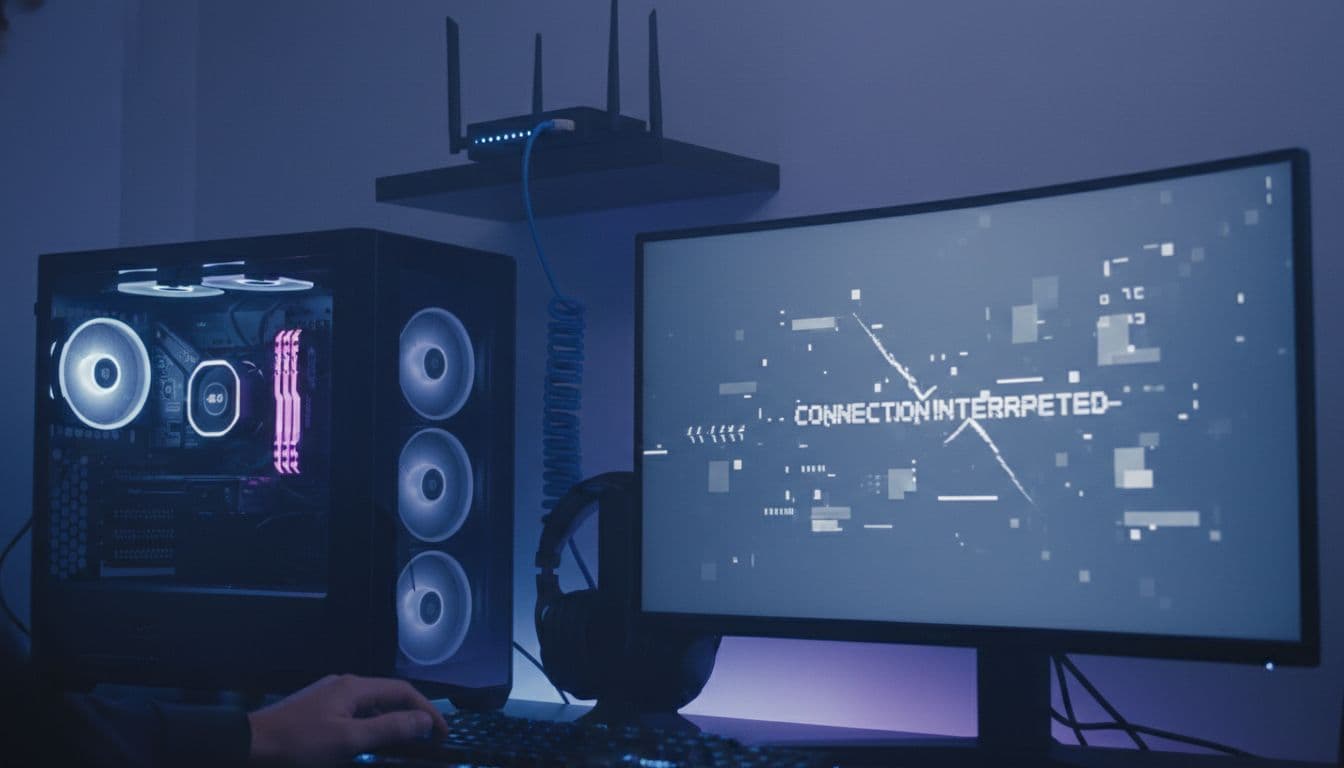
How to tell if it’s Steam or your internet
When Steam has problems, it can feel exactly like a home network issue. Before you reboot everything (again), do a quick check so you do not waste time troubleshooting the wrong thing.
Quick checklist
- Check Steam’s community status: If many users are reporting issues at the same time, it is likely not you.
- Visit a status tracker: SteamDB’s status page and DownDetector can show spikes in failures.
- Test other services: If YouTube, Discord, and other sites work fine, your connection is probably OK.
- Try Steam on another device: If mobile and desktop both fail, it points to Steam.
One clue from this outage: Engadget noted Steam was also inaccessible from Valve’s mobile apps while the incident was ongoing. That kind of cross-device failure is a strong sign the issue is on the platform side, not your router.
What you can do while Steam is partially down
You cannot fix an outage from home, but you can reduce frustration and avoid making things worse (like corrupting downloads or breaking settings). Here are practical steps that usually help.
- Avoid reinstalling Steam right away. During outages, reinstalling rarely helps and can add new problems.
- Wait before making purchases. Store outages can cause carts, transactions, or downloads to fail.
- Play offline-friendly games. Single-player titles are often fine if they do not require online checks.
- Restart Steam once, then pause. A single restart can help after a recovery starts, but repeated restarts usually do nothing.
- Do not spam matchmaking. When servers are unstable, constant retries can lock you into long queues.

Why these outages still happen
Steam is huge, and that scale is both its strength and its weakness. Even short disruptions can affect millions of users at once. Engadget pointed out that Steam’s last major outage was in October, when the store and online services were unavailable for about an hour. In September, massive demand tied to a major release also helped trigger platform strain across multiple storefronts.
In plain terms, outages happen because the platform is a mesh of services, not one server. Stores, logins, inventories, friends lists, and game APIs all talk to each other. If one critical part slows down or fails, the rest can cascade.
If you could not access Steam, the store, or Valve’s online games on December 24, you were not alone. The platform saw a partial outage that impacted the Steam Store, Steam Community, and Web APIs, plus online functionality in several Valve titles. The good news is that the disruption appeared to resolve by early December 25, with services returning to normal.
To contact us click Here .