

Amazon has sent a new security warning to hundreds of millions of customers, just as online shopping peaks around Black Friday and the holiday sales. If you have an Amazon account, this is not something to ignore. Attackers are actively trying to hijack accounts and steal payment details, and they are getting smarter every year.
In this guide, you will learn what the warning is about, how these scams work, and the simple steps you can take today to keep your Amazon account safe.
What Is Happening With Amazon Accounts Right Now?
Cybercriminals are using Amazon’s name to trick people into handing over login details, credit card numbers, and other personal data. They do this by pretending to be Amazon support, delivery services, or even security staff.
According to Amazon’s recent warning email, attackers are:
- Sending fake messages about delivery problems or “account issues”
- Running fake ads that claim to offer huge discounts or special Amazon deals
- Contacting people through unofficial channels and asking for payment or account info
- Using suspicious links that lead to fake “Amazon” login pages
- Calling customers with bogus “tech support” or “fraud prevention” stories
The goal is always the same: get enough information to break into your account or steal money.
Common Amazon Scams You Need To Watch For
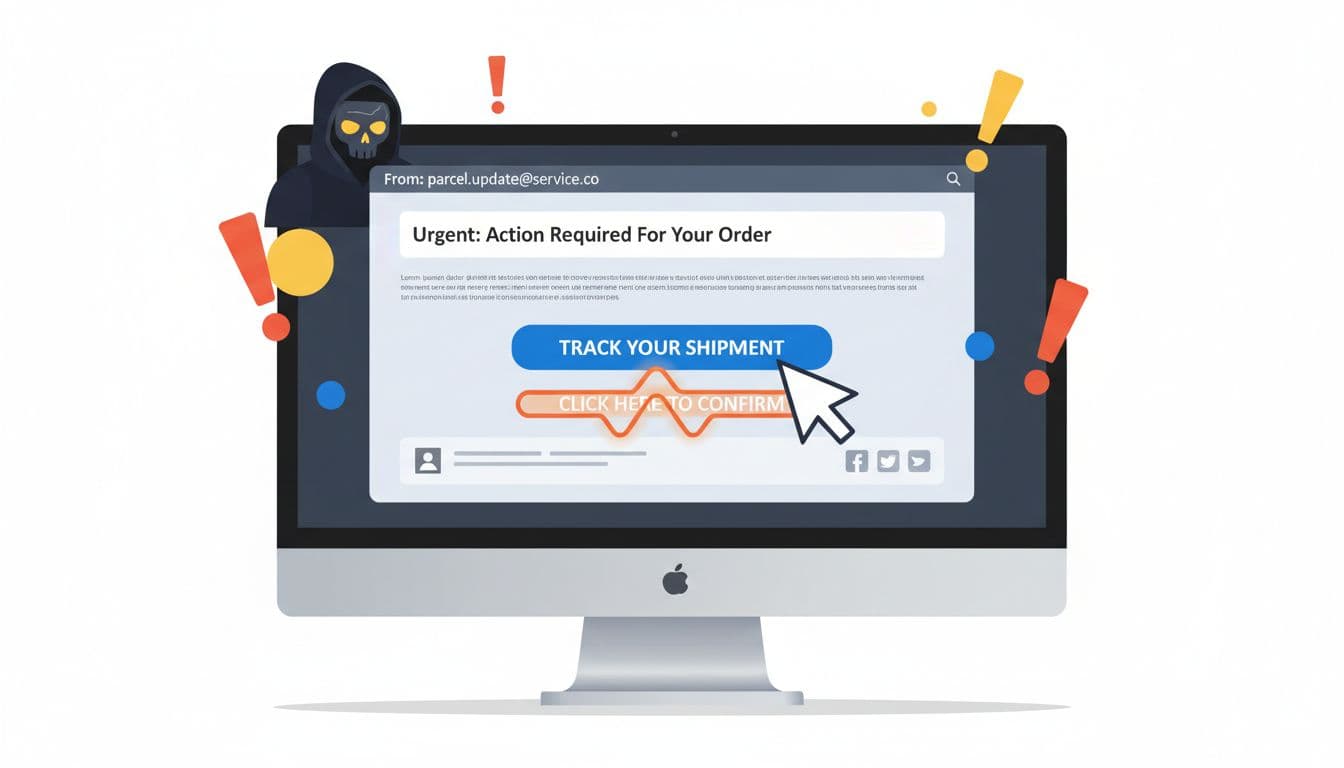
1. Fake Delivery Or “Account Locked” Messages
One of the most common tricks is a message saying:
- Your package cannot be delivered until you “confirm” your details
- Your Amazon account will be suspended if you do not verify your information
- There is a payment problem and you must “update” your card
These messages usually include a button or link that looks like a real Amazon page, but sends you to a fake website controlled by criminals.
2. Social Media Ads With “Too Good To Be True” Deals
Scammers also run fake ads on platforms like Facebook, Instagram, or TikTok that look like official Amazon offers. When you click through, you might see a fake Amazon checkout page that asks for your login and card number. Once you enter it, the attackers have everything they need.
3. Unofficial Support And Phone Calls
Another growing tactic is a phone call or message from someone claiming to be “Amazon Security” or “Amazon Fraud Team.” They might say there is suspicious activity on your account and ask you to:
- Share a one-time code sent by SMS or email
- Install software so they can “help” you
- Read out your card number or CVV code
Amazon does not handle security problems this way and will not pressure you on the phone to make payments or share sensitive data.
How To Check If A Message From “Amazon” Is Real
Before you click any link, ask yourself a few quick questions:
- Where did the message come from? Check the email address or phone number. Real emails usually end with something like
@amazon.comor your country version, not random domains like@security-amazon-check.com. - Are they asking for payment or passwords? Amazon will not ask you to send passwords, full card numbers, or one-time codes through email, SMS, or phone.
- Does the link look strange? Hover over links on desktop and check the actual URL. If it does not clearly go to an official Amazon domain, do not click it.
- Can you see the same message inside your Amazon account? When in doubt, go to Amazon directly by typing the address in your browser or using the official app. If there is a real issue, you will see it there.
Amazon’s Own Advice For Staying Safe
In its warning, Amazon shared a few key rules that every customer should follow. Here is what they recommend and why it matters.
1. Only Use The Official App Or Website
For anything important, such as:
- Tracking orders
- Requesting refunds
- Updating addresses and payment methods
- Contacting customer support
Go straight to the Amazon app or type the official web address into your browser. Do not trust links sent by email, text, or social media.
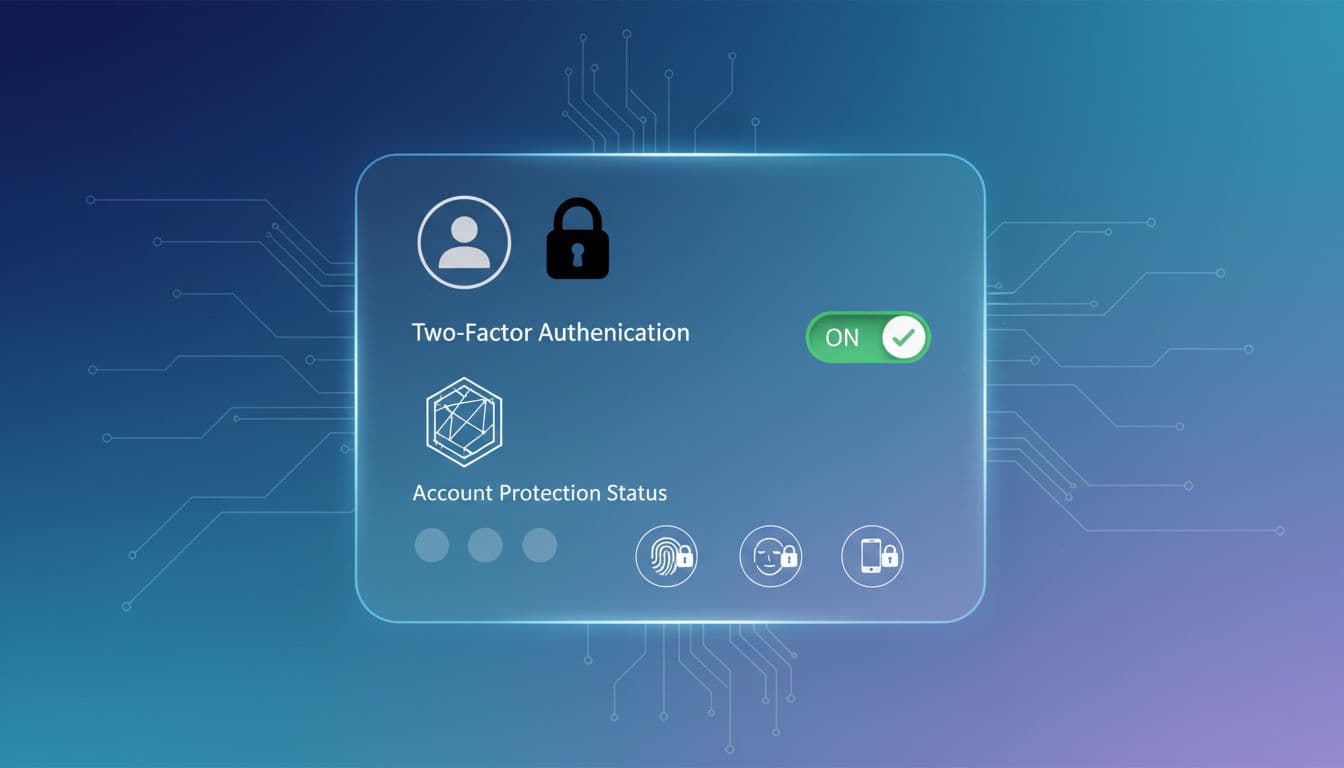
2. Turn On Two-Factor Authentication (2FA)
Two-factor authentication (also called 2FA) adds an extra step to logging in. After you enter your password, you also confirm a code sent to your phone or generated by an app.
This means that even if someone learns your password, they still cannot easily break into your account without that second code.
3. Use Passkeys When Available
Passkeys are a newer and safer way to log in without standard passwords. They rely on your device and your usual unlock method, like:
- Face ID or other facial recognition
- Fingerprint sensor
- A secure PIN on your phone or laptop
Passkeys are harder to steal through phishing because you do not type them or share them. If Amazon offers passkeys for your region, turning them on is a smart move.
Simple Steps To Secure Your Amazon Account Today
Here is a quick action list you can follow in the next few minutes:
- Change your password if you have used the same one on other websites or if you clicked on a suspicious link recently.
- Enable two-factor authentication in your Amazon account settings.
- Review your recent orders and login history to make sure there are no unknown purchases or sign-ins.
- Update your email password as well, since whoever controls your email can often reset your Amazon password.
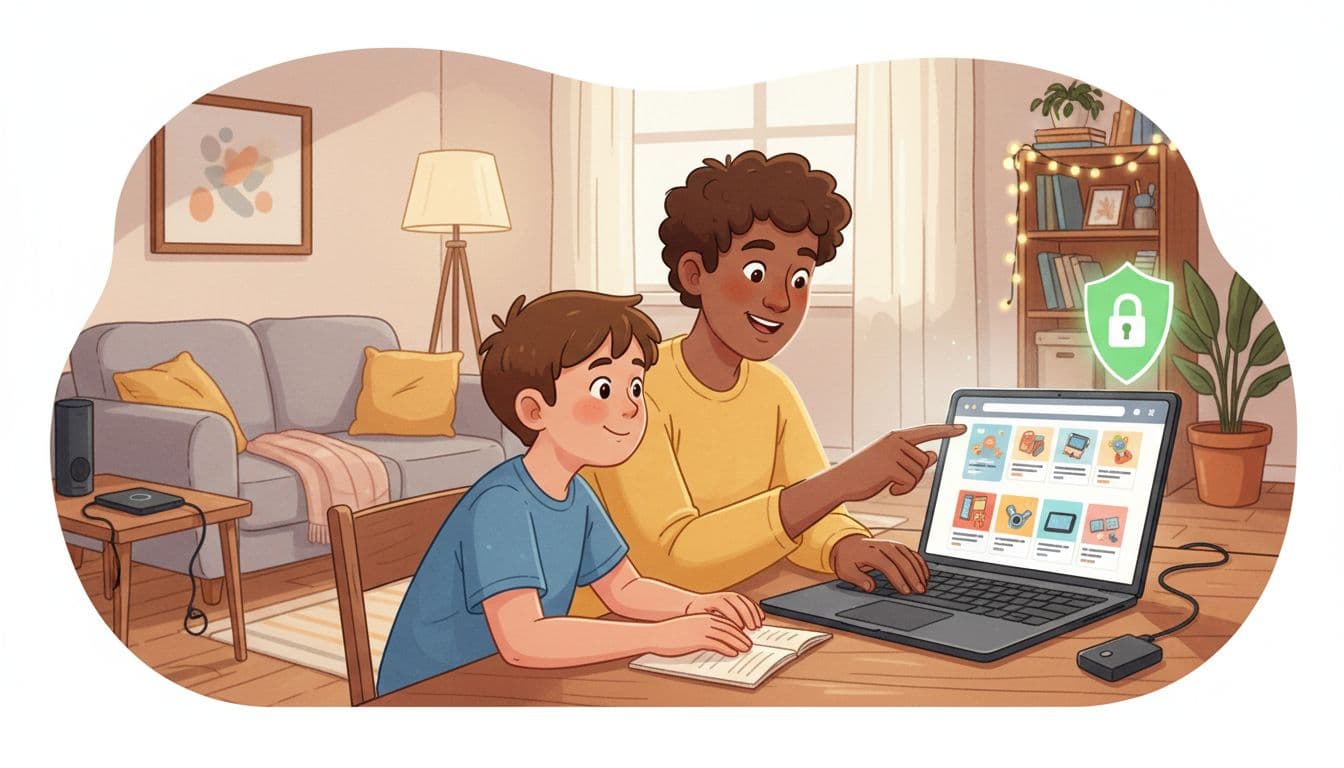
- Teach your family (especially kids and older relatives) not to click unknown links or share codes with anyone claiming to be Amazon.
What To Do If You Think You Have Been Scammed
If you clicked a suspicious link, shared your details, or notice strange activity on your Amazon account, act quickly:
- Change your Amazon password immediately.
- Remove any unknown payment methods or addresses from your account.
- Contact your bank or card provider and explain what happened. Ask them to watch for unusual charges.
- Check your email account for security alerts and update that password too.
- Report the message to Amazon by forwarding suspicious emails to their official phishing address found in their Help pages.
The faster you respond, the better your chance of limiting the damage.
Final Thoughts: Stay Alert, Not Afraid
Attackers are targeting Amazon because it is huge and trusted, not because you did anything wrong. The good news is that a few simple habits can block most of these scams.
If you only use the official app or website, turn on two-factor authentication, and double-check any unexpected messages, you cut your risk of account takeover dramatically.
Stay alert, share this information with friends and family, and treat any message about your Amazon account with caution until you have verified it yourself.
To contact us click Here .